If you’re looking for the best script writing software you can find online, you probably know at this point how many options you have at your disposal.
According to independent market research, the global screen and script writing software market grew to an estimated **USD 185.78 million in 2025 and is expected to exceed USD 412.84 million by 2030, expanding at a compound annual growth rate (CAGR) of 17.32 % due to rising demand for collaborative and cloud-based tools.
So, rather than get overwhelmed with the endless amount of features and pricing to keep track of, we’ve organized an extensive list of all the top names in the scriptwriting software game, along with their pricing, what they have to offer, and how reliable they are overall. Let’s dive in!
Summary of the best script writing software
When evaluating what the best script writing software is for your needs, you'll want to make sure you have a firm grasp on all the features that will benefit your workflow the most. The below chart highlights the top script writing software platforms on our list and the most important features they come equipped with:
Software | Best Used for | Trial / Free Access | Price | |
|---|---|---|---|---|
1 | AV scripts + production-ready workflows | Free plan available + product demo | From $42/month (annual billing) | |
2 | Traditional professional screenwriting | 30-day free trial | $199.99 | |
3 | Affordable professional desktop drafting | Free demo available | $79.95 | |
4 | Real-time collaborative script writing | Free plan available | From $7.49/month (annual billing) | |
5 | Minimalist Apple-based script writing | 30-day free trial | From $9.99/month or $49.99/annual | |
6 | AI-assisted writing + production tools | Free trial available | From $2.50/month (writing only plans) | |
7 | Script writing + story development tools | 7-day free trial | From $14.99/month | |
8 | Completely free desktop screenwriting | Free | Free | |
9 | Feature-film formatting and production workflows | Free trial available | $124.95–$249.95 |
Best Free Script Writing Software
1. StudioBinder
StudioBinder is a cloud-based script writing platform that includes both narrative screenwriting and audio visual scripting features. The dedicated AV scriptwriting tool is especially useful for commercials, branded content and social media videos.
If you’re looking for the best scriptwriting software with film industry-level formatting, as well as an AV feature built specifically for projects where visuals, audio, and timing all matter just as much as dialogue, then StudioBinder is the clear winner.
- Try it free
- Subscription starts at $42 a month (annual plan)
Best for scriptwriting with built-in production workflows.
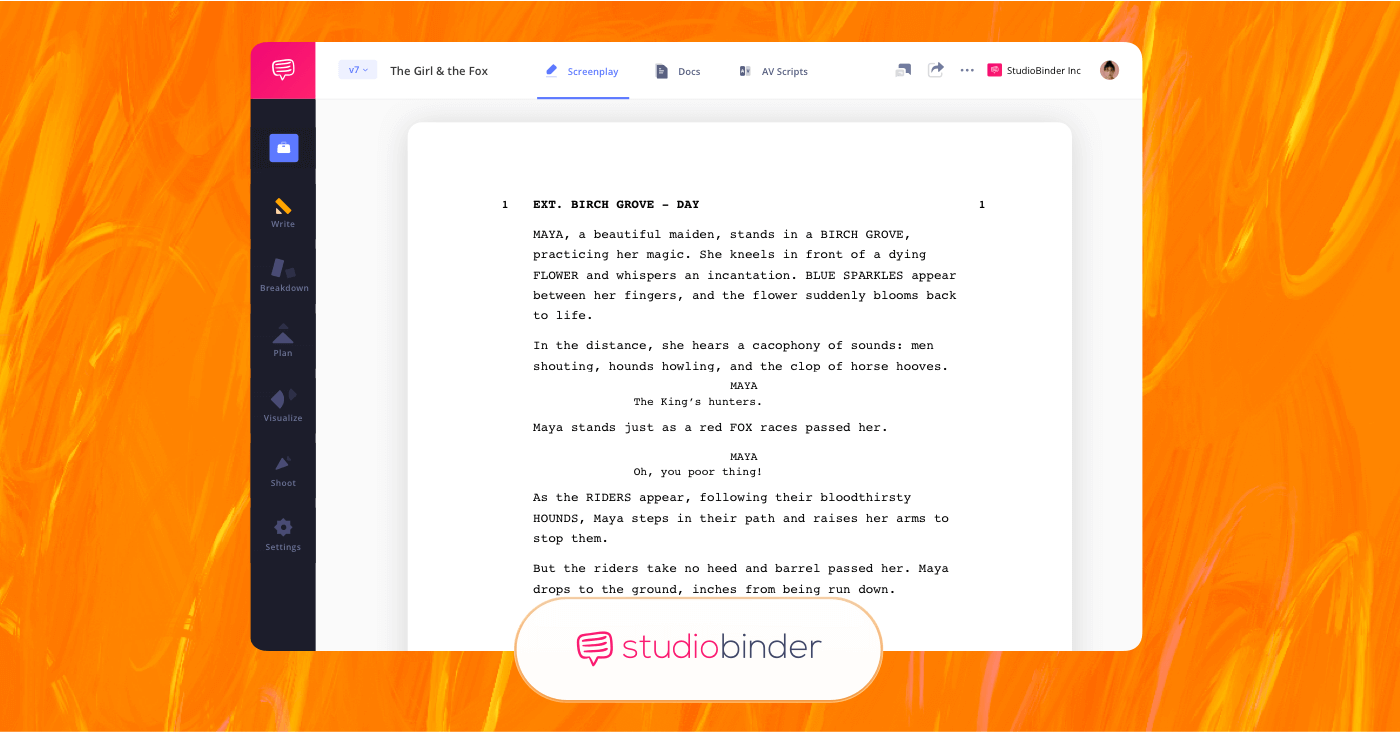
StudioBinder is the best screenwriting software for writing and pre-production
Advantages:
In addition to coming equipped with all the professional script formatting features you’ll need, StudioBinder’s AV script feature also provides a two-column layout that separates video and audio, making scripts easier to review, revise, and approve, particularly for clients and production teams. Because it’s cloud-based, StudioBinder also links well with writing collaboration.
If you’re working with producers, directors, or clients, you can share scripts, gather feedback, and make updates without juggling drafts and files.
Best scriptwriting software for film TV and commercials
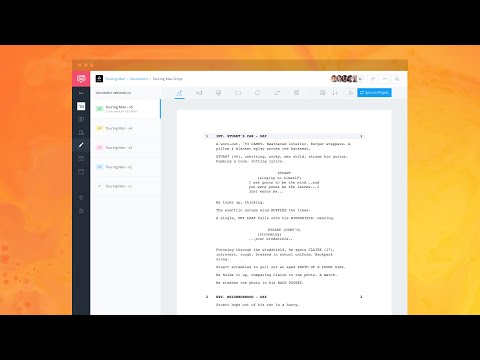
To learn more about StudioBinder's screenwriting features, take a look at the video below:

Best scriptwriting software for film TV and commercials
Key features:
StudioBinder allows you to write scripts using both traditional screenplay formats and AV script formats depending on the project you need it for. Scripts can be organized by scenes or sections and then connected to additional production tools on the app, like shot lists and schedules.
If you’re looking for scriptwriting software that supports both writing and execution, StudioBinder is the winner.
- Auto-Formatting: Write in industry-standard format for features and TV
- AV Script Format: Create side-by-side visual and audio scripts for commercials and branded content
- Pre-Production Integration: Connect scripts to shot lists, schedules, and call sheets
- Script Breakdowns: Tag elements to streamline pre-production.
- Collaboration: Share scripts, track revisions, and comment in real time.
Pros and Cons:
Pros:
- Industry-standard script formatting supported.
- User-friendly AV scriptwriting tool.
- Strong collaboration and sharing tools.
- Free plan available.
Cons:
- Provides extra pre-production tools that may not be needed for script writers
Trusted by Over 1M Creatives
Screenwriting from draft to set
Write, format, and share your script. Ready for production when you are.

Best ScriptWriting Software
2. Final Draft
Final Draft is a long-established script writing program best known for traditional screenplay formatting in film and television. It’s primarily focused on writing dialogue-driven scripts that follow standard industry conventions, rather than scripts based around video content creation or commercial advertising.
- 30-day free trial
- One-time purchase starting at 199.99
Industry standard for film and television screenwriting.
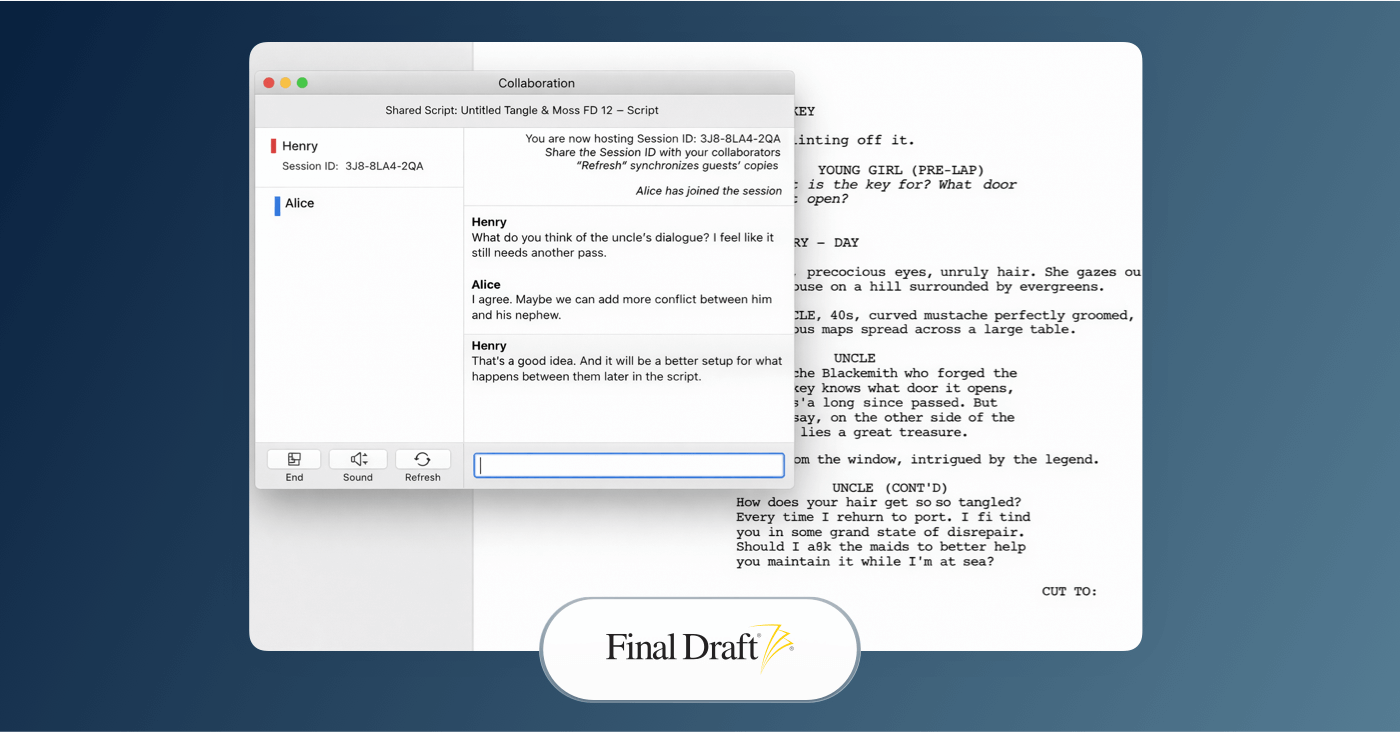
Final Draft is industry-standard screenwriting software for film and television · Best scriptwriting software
Advantages:
Final Draft automatically formats scripts to industry standards, handling screenplay margins, spacing, and page layout without having to make adjustments. If you’re a writer looking for a straightforward drafting experience that aligns with standard filmmaking expectations, this one is definitely worth checking out.
Key features:
Final Draft includes built-in tools for outlining, structuring scenes, and tracking revisions. Writers can manage multiple drafts, color code revisions, and export scripts in most expected formats like PDF. If internet access isn’t reliable, then this platform still is since it can work fully offline.
Pros and Cons:
Pros:
- Meets Industry-standard screenplay formatting.
- Works offline as a desktop application.
- Widely accepted file format.
Cons:
- Limited collaboration compared to cloud-based tools.
- No additional AV scriptwriting format.
- No integrated production workflows.
ScriptWriting Software
3. Fade In Software
Fade In is a professional script writing application known for its simple interface, industry-standard formatting, and one-time purchase model. It’s commonly recommended for writers who want a traditional drafting environment without recurring subscription costs. It may not have an extensive amount of additional industry features, but it uses simplicity well with efficiency.
- Free demo available
- One-time purchase for $79.95
Well-suited for writers who want flexibility across platforms.
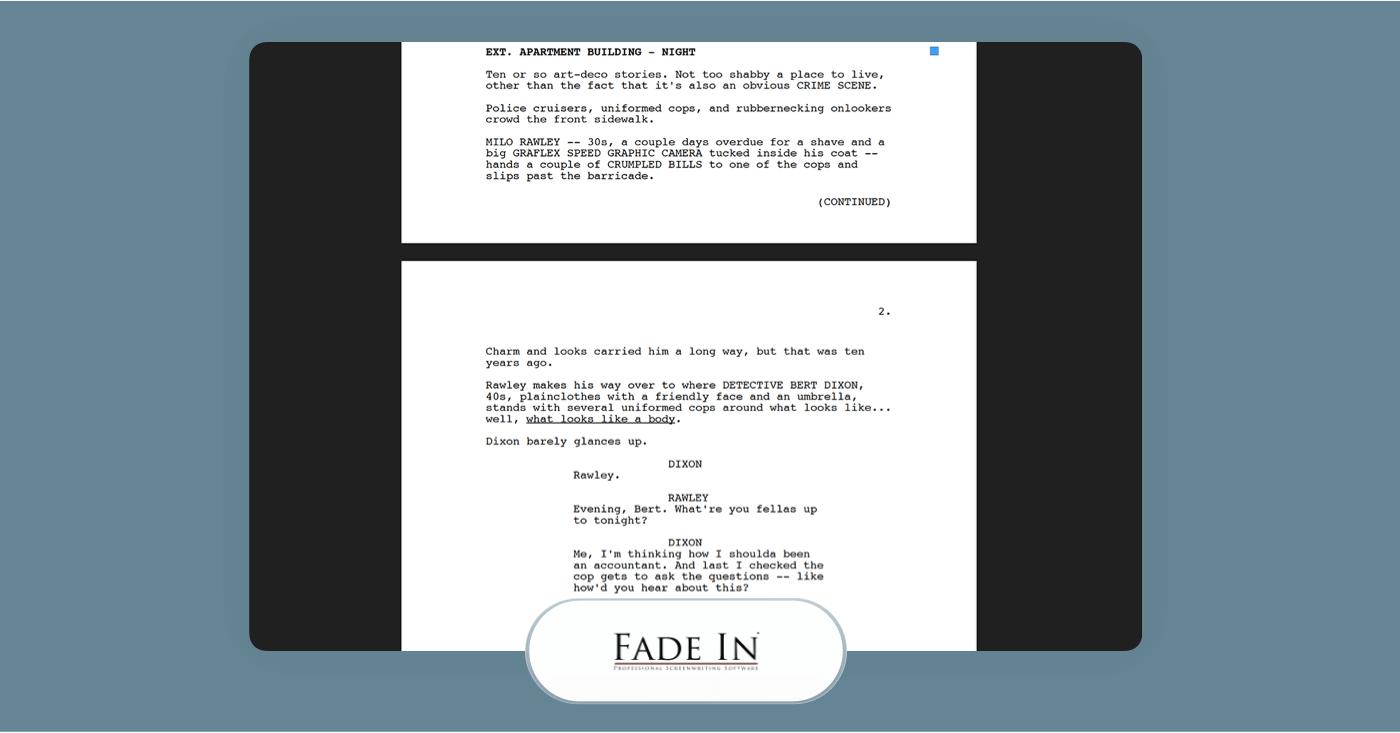
Fade In is professional screenwriting software known for reliable formatting · Best scriptwriting software
Advantages:
The main strength of Fade In is its professional writing environment that keeps its core base of users satisfied. It automatically formats elements like scene headings, dialogue, and action, so your script always matches basic industry expectations.
Key features:
Fade In supports industry-standard formatting and robust exporting, including PDF and Final Draft formats, which are useful for professional sharing. If you want scriptwriting software that doesn’t require internet access and stays focused on writing efficiency, then this is a good choice.
Pros and Cons:
Pros:
- Industry-standard formatting and strong export support.
- Works offline on desktop platforms.
- Reliable tools for general drafting and structure.
Cons:
- Separate purchase required for mobile versions.
- Lacks cloud-based collaboration features.
- No AV script format built in.
- Not tied to any further production workflows.
Related Posts
Best scriptwriting software
4. WriterDuet
WriterDuet is a cloud-based script writing platform focused on real-time collaboration, which makes it a practical choice when multiple writers need to work on the same script simultaneously. It pairs automatic industry formatting with co-editing and review tools, so its most notable use is for remote collaborators.
- Free plan available
- Subscription starting at $7.49 per month
Best for real-time, collaborative screenwriting.
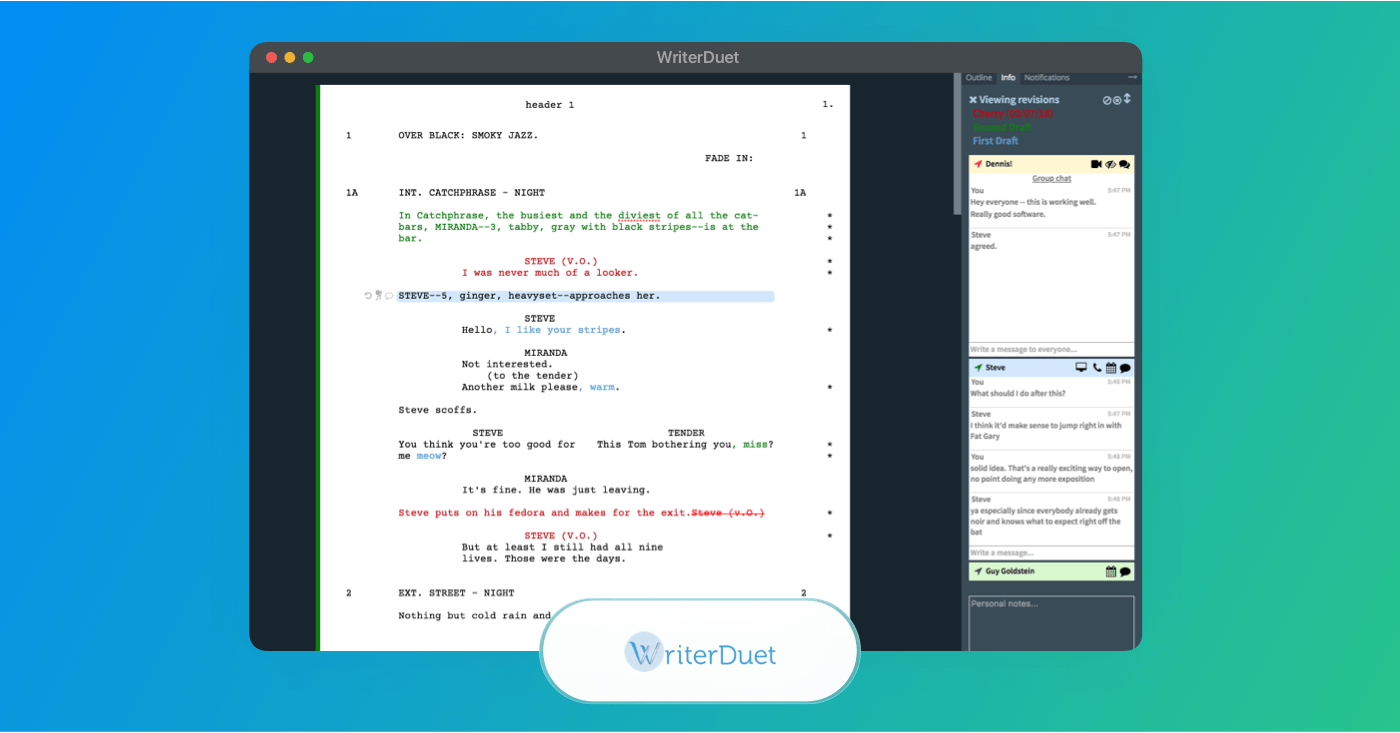
WriterDuet's screenwriting software is built for collaboration and professional formatting.
Advantages:
WriterDuet is most known for its real-time collaboration, allowing you and your writing partners to view/edit the same script simultaneously. This makes it compatible for writers working with editors or producers in different locations. Their automatic formatting also takes care of the basics, like margins, dialogue, and structure.
Key Features:
With WriterDuet you can invite collaborators to edit, leave comments, and track revisions, keeping everyone you work with linked and aligned. It also includes outlining tools and revision history to support planning and script development across drafts. Especially with their free screenwriting software entry plan, this is a reliable option.
Pros and Cons:
Pros:
- Real-time collaboration with co-writers and team members.
- Automatic industry formatting.
- Revision tracking and commenting.
Cons:
- Free plan limits script count and advanced tools.
- Best collaboration tools are very limited without paid plans.
- Offline use is surprisingly more limited than traditional desktop editors.
Trusted by Over 1M Creatives
Screenwriting from draft to set
Write, format, and share your script. Ready for production when you are.
Best Scriptwriting Software
5. Highland Pro
Highland Pro is a minimalist script writing app. If you’re looking for script writing software that feels simple, intuitive, and uncluttered while still formatting scripts professionally, Highland Pro is worth considering. Though, it’s important to note that it’s most fit for Apple platforms.
- Free version available
- Subscription starts at $49.99 per year
Best for distraction-free writing with automatic formatting.
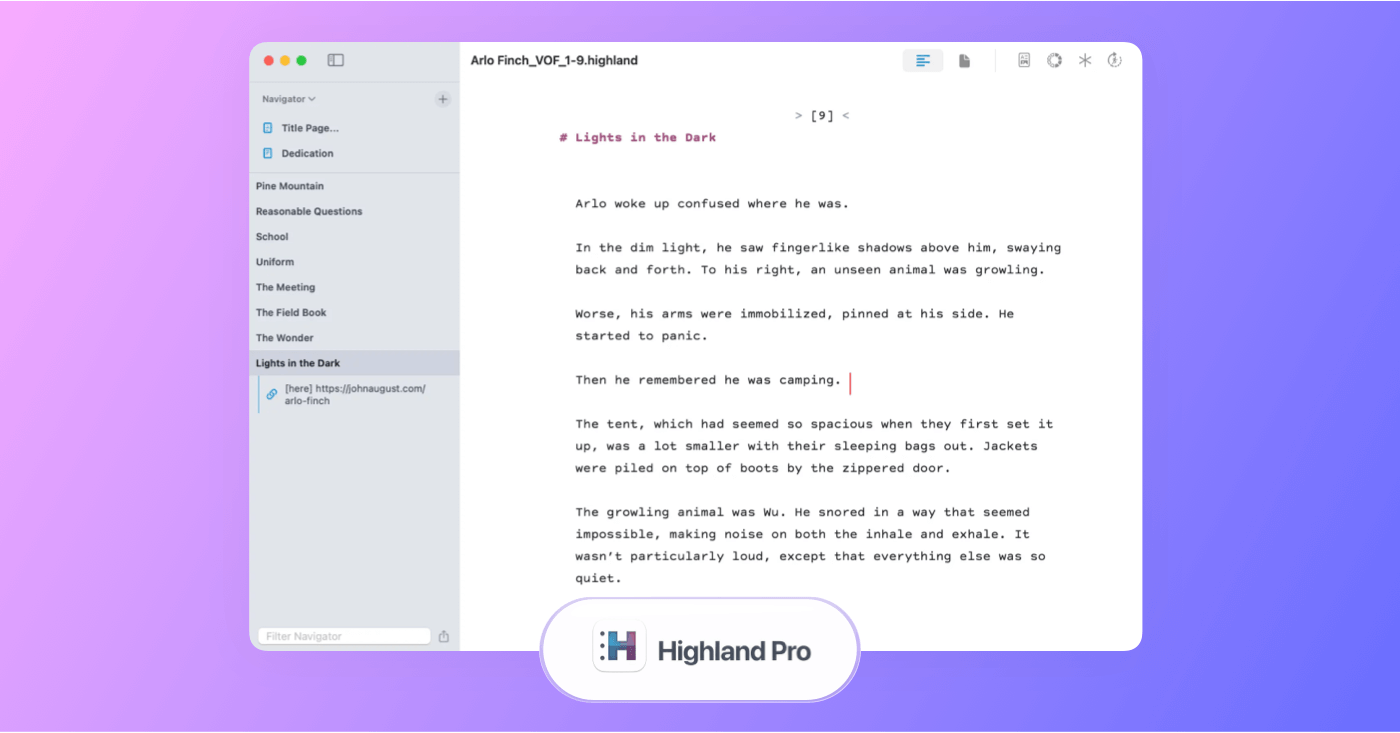
Highland Pro is screenwriting software focused on distraction-free writing and automatic professional formatting.
Advantages:
Highland Pro’s focus on minimalism helps you write without feeling overwhelmed by toolbars or menus. Its most seamless user experience is made to occur across macOS, iPad, and iPhones. Its focus is much less on editing tools and much more on providing a writing environment that lets creativity flow on its own terms.
Key Features:
Highland Pro includes tools that support writing and organization without the extra addition of more production-based tools. It comes equipped with features like a navigator for jumping between your written sections, PDF export support, and traditional screenplay formatting.
Pros and Cons:
Pros:
- Simple writing environment.
- Automatic industry-standard script formatting.
- Reliable cross-device support for Apple.
Cons:
- No Windows or Android support.
- Subscription required for full access.
- Fewer advanced features than more production-oriented script software.
- Critics note occasional import quirks with external formats.
Best free script writing software
6. Studiovity
Though it has yet to be fully adopted or recognized by the traditional film industry, Studiovity is a script writing platform that combines AI-assisted screenwriting with broader pre-production tools like script breakdowns and shot lists. If you’re looking for script writing software that brings AI tools and production planning into the writing process, then this is a solid consideration.
- Free trial available
- $18 annual subscription
Best for collaborative screenwriting with AI production tools.
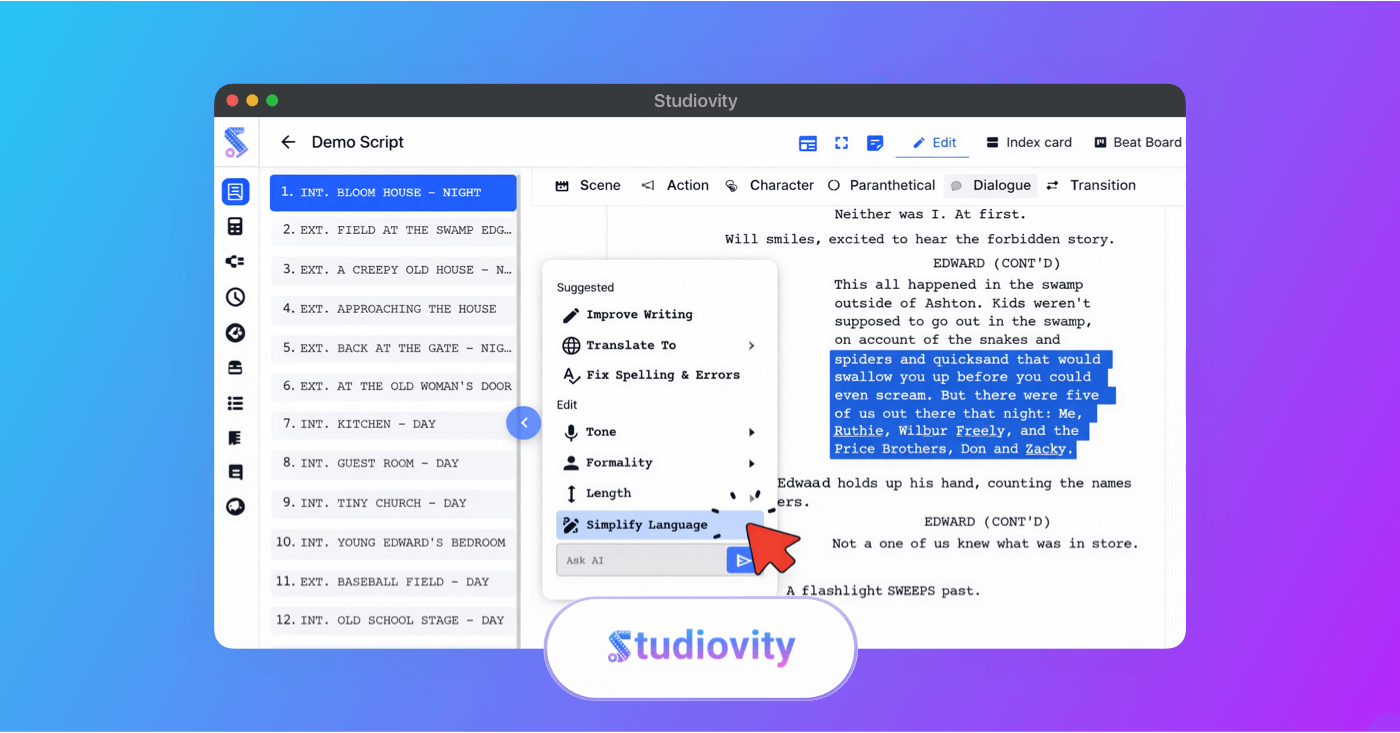
Studiovity is screenwriting software that combines writing with structured story planning and collaboration tools.
Advantages:
Studiovity features AI-powered screenwriting combined with tools that help streamline pre-production. Its script editor supports industry formatting and provides smart help like beat boards and index cards for organizing plot structure. Because Studiovity integrates writing with breakdowns and scheduling, you won’t require separate tools for expanded production planning.
Key Features:
Studiovity experiments with more modern integrated features like AI screenwriting, which can assist you with formatting, language options, and structure tools. This also means it can keep track of and tag elements like scenes, characters, and props for expanded film production planning. Though some users report some current problems with formatting customization, there’s no doubt Studiovity is a standout AI-focused writing platform.
Pros and Cons:
Pros:
- AI-assisted screenwriting tools.
- Reliable collaboration and cloud access.
- Broad import/export format support.
Cons:
- Less industry adoption compared with competing tools.
- Requires a stable internet connection for full use.
- Feature maturity and advanced customization still developing.
Related Posts
Best scriptwriting software
7. Celtx
Celtx is a cloud-based platform that combines script writing with story development and early production planning. It’s designed to help writers draft scripts using industry-standard formatting before moving into tools like storyboards, breakdowns and scheduling within the same environment.
- Free plan available
- Subscription starts at $14.99 per month
Best for screenwriting with built-in pre-production tools.
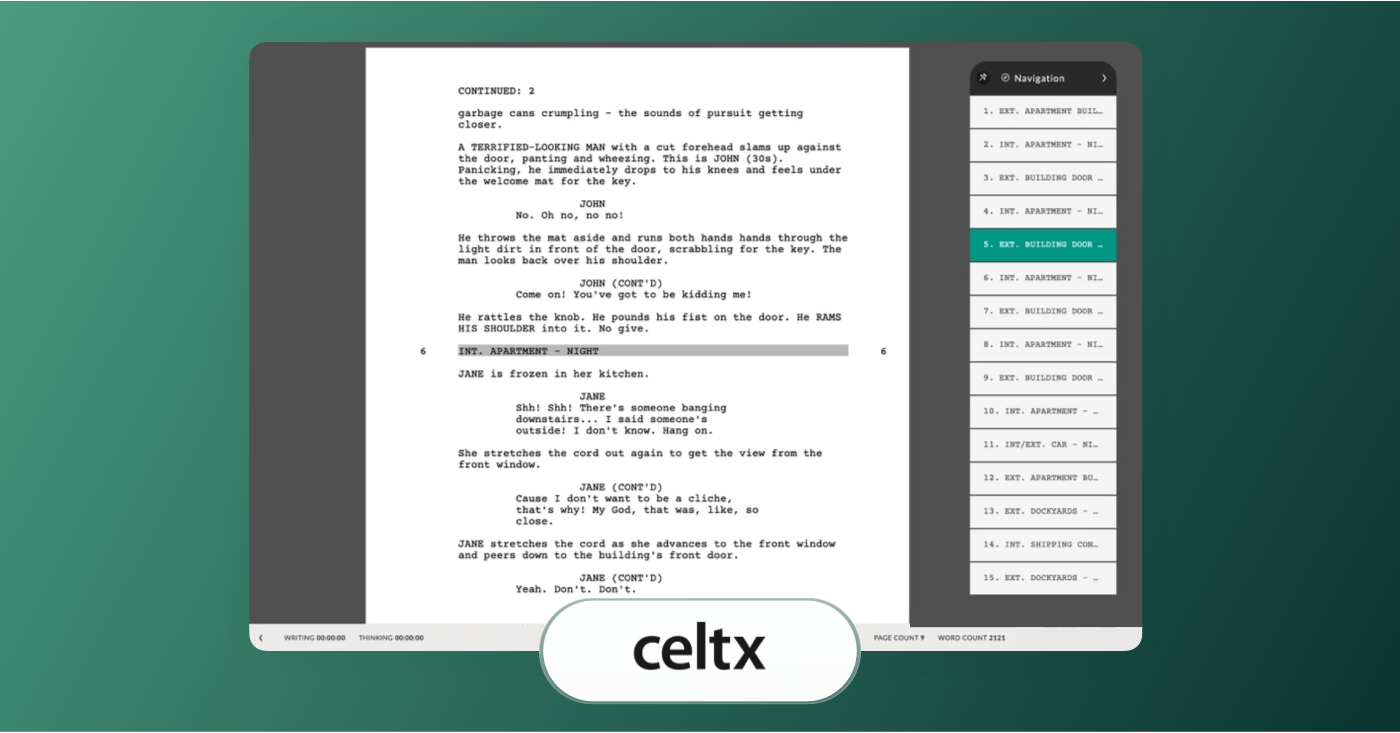
Celtx is cloud-based screenwriting software that combines scriptwriting with pre-production tools.
Advantages:
Celtx’s script writing editor automatically formats your script to industry standards so you can bypass considering layout rules while writing. This platform is also known for letting you link scripts to storyboards and production planning features, and it’s mostly useful for keeping all your project assets all in one place.
Key Features:
Celtx may include less advanced layout or shortcut options, but it does come equipped with a structured script editor and multi-format support. Offline access also isn’t as strong as some other platforms, but it does allow you to integrate and visualize scenes with storyboards and even generate call sheets. This is a good platform for those who want usable planning features alongside their writing tools.
Pros and Cons:
Pros:
- Industry-standard script formatting and editors.
- Story development and planning tools.
- Cloud-accessible, real-time collaboration.
Cons:
- Less customizable script editing than some writing-focused tools.
- Offline use and desktop workflows are limited compared to competing script software.
- Less customizable than writing-only apps.
Trusted by Over 1M Creatives
Screenwriting from draft to set
Write, format, and share your script. Ready for production when you are.
Best Free ScriptWriting Software
8. Trelby
Trelby is an open-source script writing program focused on providing a standard drafting environment with industry-friendly formatting. If you’re looking for free script writing software that can help you get started on your scriptwriting journey, then Trelby’s got the basics covered.
Free to download, no payment required.
Solid open-source option for industry-standard scripts.
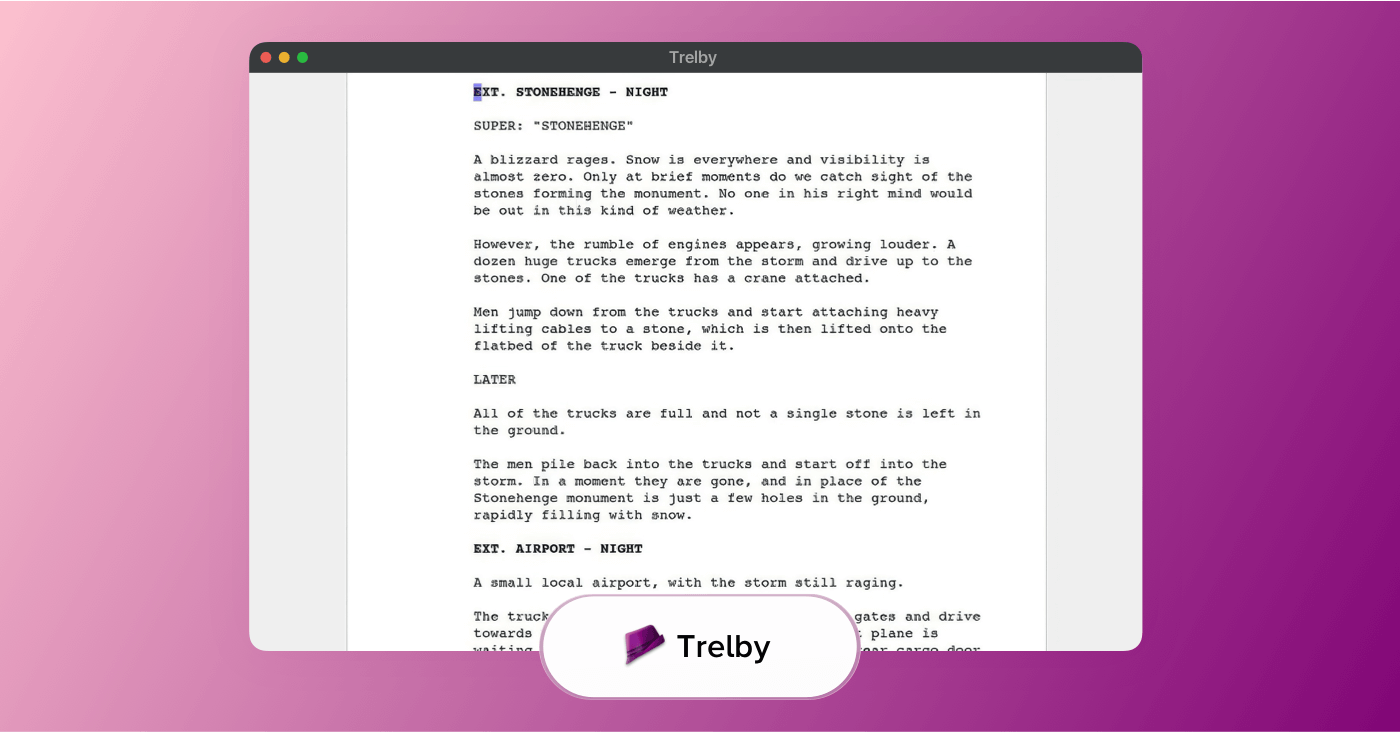
Trelby is free, open-source screenwriting software with a clean interface and industry-standard formatting.
Advantages:
Trelby provides the essential features expected from script writing software, including automatic industry standard formatting, character and scene navigation, and export options. It’s designed to keep the focus on your writing rather than on navigating assisting features.
Key Features:
Trelby includes automatic formatting for screenplay elements like scene headings, dialogue, and action. It supports import and export to commonly used formats such as PDF, and is fully functional offline. Trelby may not include collaboration tools or cloud syncing, but it’s free to use, which is helpful if you’re on a budget.
Pros and Cons:
Pros:
- Free with no recurring costs.
- Industry-standard screenplay formatting.
- Few complex features and easy to learn.
Cons:
- Desktop-only (Windows and Linux).
- No built-in collaboration or cloud syncing.
- Much fewer planning or production features than subscription-based tools.
Best ScriptWriting Software
9. Movie Magic Screenwriter
Movie Magic Screenwriter is a desktop script writing application known for its comprehensive formatting, outlining, and revision tools. For script writing software that gives you control over structure and formatting, Movie Magic Screenwriter remains a solid option.
Trial periods occasionally offered
One-time purchase of $124.95–$169.00
Strong choice for production-ready screenplays.
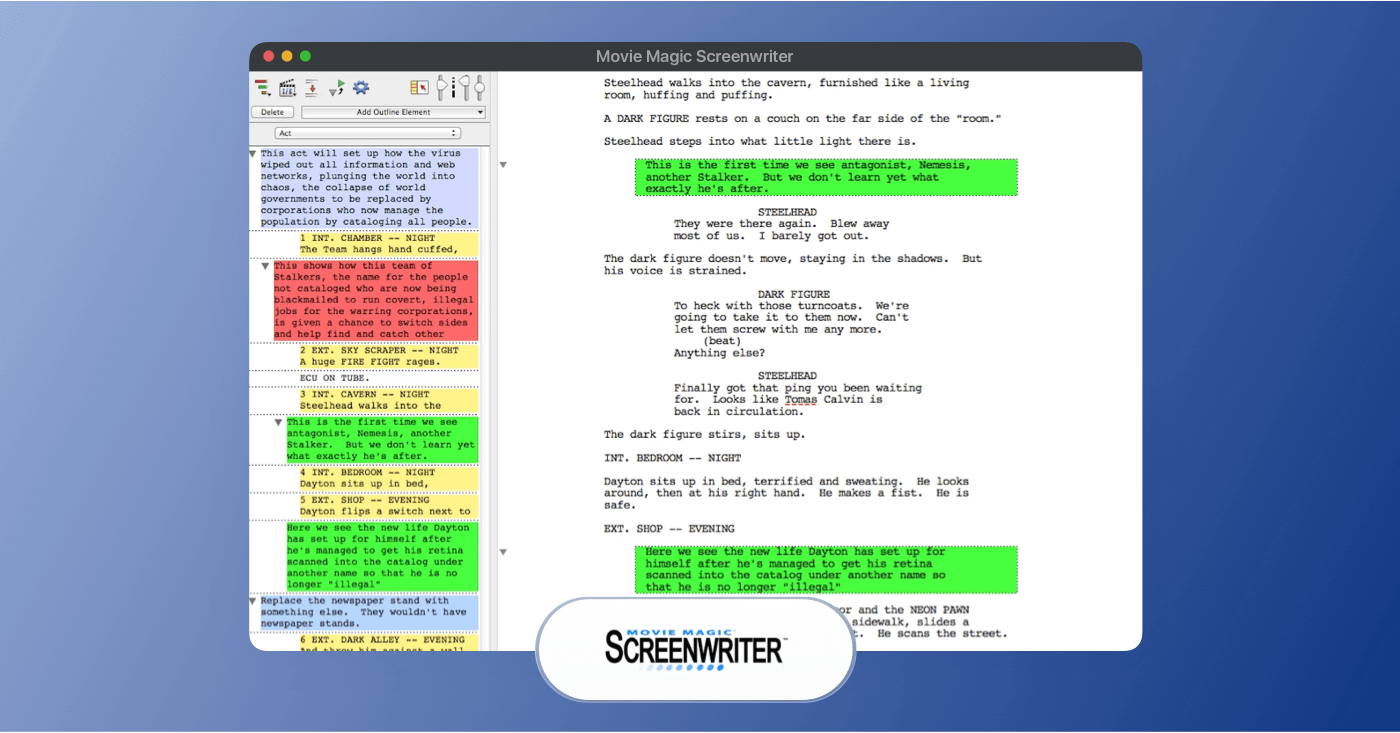
Movie Magic Screenwriter is screenwriting software focused on industry-standard formatting and production workflow.
Advantages:
Movie Magic Screenwriter’s strengths lie in its included set of writing and formatting tools. It comes with a large library of templates so you can start writing quickly in your preferred format. Movie Magic also integrates tightly with related tools like Movie Magic Scheduling and Budgeting if you’re working within that ecosystem. It’s worth also keeping in mind that it doesn’t contain any cloud access.
Key Features:
Movie Magic Screenwriter supports a large number of script formats, along with templates to help you brainstorm, outline and shape your story. Its script navigation tools can also help you jump between scenes and maintain organization as your project grows. This software also notably includes a thesaurus support feature, which can assist you during drafting and revision phases.
Pros and Cons:
Pros:
- Template support for multiple script types.
- Integrated scene navigation tools.
Cons:
- Limited native cloud collaboration compared to newer web-based tools.
- Interface is more traditional and may feel dated versus modern apps.
Find the Best ScriptWriting software
What are the best script writing software alternatives?
If the above list doesn’t quite meet your expectations for what the best software for script writing should be, check out these alternate software options that aren’t all specifically designed for scriptwriting, but are still commonly used nonetheless:
10
Scrivener
Primarily, a long-form writing tool, but can be used for script writing.
11
Story Architect
Free, open-source script writing tool.
12
Google Docs
Draft scripts with tab button, and no auto-complete.
13
Microsoft Word
Similar to Docs, lacks native script writing tools.
What to Look for In Scriptwriting Software?
How to select the best script writing software
The best script writing software should help you write clearly, stay organized, and move efficiently from early drafts to polished, production-ready scripts. That’s why this list focuses on dedicated script writing tools built specifically for professional script formatting, collaboration, and real-world production workflows, rather than general word processors or writing apps.
While tools like Google Docs or Microsoft Word can be used for early drafting, they typically lack essential features such as automatic industry-standard formatting, revision tracking, and export compatibility. When comparing tools, focus on the features that directly support realistic script writing workflows.
Here are the main factors to consider when choosing the right platform.
Core Script Writing Features
A strong script writing platform should cover the essentials, including:
- Automatic industry-standard formatting for scripts
- Easy creation and editing of scenes and dialogue
- Clear navigation between scenes, acts, and drafts
- Reliable export options (PDF, Final Draft / FDX, etc.)
- Revision tracking or version history
- Basic outlining or structure tools
These features are foundational for anyone evaluating the best script writing software free of hassle, whether you’re a beginner or an experienced writer.
Extra Features That Set Tools Apart
Some screenplay writing software tools offer additional capabilities that improve efficiency and collaboration, such as:
- Real-time co-writing and commenting
- Cloud syncing across devices
- AV script formats (audio/video columns)
- Integration with production planning tools
- AI-assisted outlining or writing support
- Offline desktop writing modes
Not every writer needs all of these in their writing script software, but they can make a meaningful difference depending on your workflow and project type.
Usability and Workflow Fit
The right script writing software should align with how you work:
- Easy for beginners to start writing quickly
- Flexible enough for different script formats and use cases
- Efficient for solo writers or collaborative teams
- Suitable for film, television, commercial, or video production
Evaluating script writing software using the above criteria helps you choose a tool that supports better writing, smoother collaboration, and a clearer path from script to screen.
Features | StudioBinder | Final Draft | Fade In | WriterDuet |
|---|---|---|---|---|
Script auto-formatting |  | | | |
Comments and Collaboration | | | | |
Import FDX, PDF, Fountain, Docs | | | | |
Watermarking | | | | |
Color revisioning | | | | |
Script outline | | | Limited | Limited |
Script breakdown | | |||
Pre-production tools | | |||
Docs & notes | | |||
Project management | |
Choosing Best ScriptWriting Software
How to choose the best script writing software
With so many script writing tools available, it’s easy to get distracted by long feature lists or pricing tiers that don’t reflect how you actually write. Just think, “How can I write a movie script?” The best movie script writing software is to focus on software that supports your writing process, fits your workflow, and scales with the types of scripts you’re creating.
The checklist below can help you evaluate script writing software more clearly and narrow down the best option for your personal workflow or creative team.
Script Writing Software Selection Criteria
Factor | What to Consider |
|---|---|
Workflow Fit | Choose a tool that matches how you write scripts — whether you need a simple drafting environment, collaborative co-writing, or scripts that connect directly to production workflows. |
Formatting Standards | Make sure the software automatically applies industry-standard formatting so your scripts are ready for review, submission, or production without manual cleanup |
Collaboration Tools | If you work with partners, producers, or clients, look for commenting, sharing, and revision features that keep feedback organized and avoid version confusion. |
Ease of Use | The software should feel intuitive, with minimal setup and a clean interface that keeps you focused on writing rather than formatting or settings. |
Export Options | Like Arc Studio, ensure you can export scripts into common formats like PDF and Final Draft (.FDX), especially if scripts will be shared outside the platform. |
Script Types Supported | Some tools focus on traditional screenplays, while others support AV scripts, commercial scripts, or multiple script formats — choose based on what you write most often. |
Outlining & Organization | Look for scene navigation, outlines, or structural tools that help manage longer scripts or multiple drafts |
Integrations & Production Tools | Some platforms connect scripts to scheduling, breakdowns, or shot lists — useful if your scripts move directly into production. |
Pricing & Scaling | Consider whether the free plan is sufficient and whether paid tiers make sense as your projects or team grow. |
Revision & Version Control | For ongoing projects, revision tracking or version history helps manage drafts and maintain clarity as scripts evolve. |
What to Look for In Script Writing Software?
What is the best script writing software?
The best script writing software available today is StudioBinder. It combines professional script formatting with modern collaboration tools and production-ready workflows, making it more than just a drafting tool. Whether you’re writing a feature film, a commercial, or an AV script, StudioBinder helps you move from first draft to final production without switching between disconnected platforms.
That said, when evaluating the best script writing software, there are several core features that consistently separate top-tier tools from basic writing apps:
- Automatic industry-standard formatting for screenplays and scripts
- Support for multiple script types, including traditional screenplay and AV (audio/video) formats
- Cloud-based collaboration with commenting and shared access
- Reliable export options such as PDF and Final Draft (.FDX)
- Scene organization and navigation tools for managing structure
- Revision tracking or version control to manage drafts
- Cross-device access for writing on desktop or web
- Integration with production tools like breakdowns, shot lists, or scheduling (where applicable)
- Free plan or trial access to test the software before committing
How to Write a Screenplay
How can I write a movie script?
How do you write a script with true substance and value? Just start simple. Writing a script starts with a clear concept, a workable structure, and the right tools to format it properly from the beginning. Start by defining your main characters, central conflict, and overall story arc with an outline, then break it into scenes before drafting dialogue and action line by line.
Using dedicated script writing software like StudioBinder helps streamline this process by automatically applying industry-standard formatting, organizing scenes, and allowing you to revise efficiently as your draft evolves. Once your first draft is complete, revise for clarity, pacing, and structure, then export your script in a professional format ready for sharing, submission, or production.
More resources on the best script writing software
If you find our list doesn’t provide the best software to create scripts that meet your unique vision, then take a look at these alternative listings for best scriptwriting software.
Advantage of Script Writing Software
What are the core benefits of script writing software?
How do you write a script with professional software and what are the core benefits? Script writing software helps you draft, format, and revise scripts efficiently while ensuring your work meets industry standards. Instead of manually adjusting margins, spacing, and dialogue alignment, dedicated tools automatically apply proper screenplay formatting so your script remains clean and professional.
Beyond formatting, the best scriptwriting software improves organization through scene navigation, outlining tools, and revision tracking, making it easier to manage complex drafts. The best software for script writing also supports collaboration, version control, and reliable export options, which help you share scripts confidently with producers, partners, or competitions. Ultimately, the right software allows you to focus on storytelling while the technical structure stays consistent and production-ready.
Independent market research projects that the global screen and script writing software market will surpass USD 100 million by 2030, driven in part by the rising adoption of collaborative cloud tools that help writers format, revise, and share scripts more efficiently.
- Consistent professional formatting: Script writing software automatically applies industry-standard layout, ensuring your screenplay looks clean, readable, and submission-ready.
- Streamlined collaboration: Built-in sharing, commenting, and revision tools make it easier to work with co-writers, producers, and editors without version confusion.
- Faster drafting and revisions: Scene navigation, outlining tools, and draft management features help you write efficiently and iterate without disrupting structure.
- Reliable export and compatibility: Support for formats like PDF ensures your script can be shared, submitted, or moved into production workflows seamlessly.
Frequently Asked Questions
Script writing software FAQs
The best free script writing software available today is with StudioBinder’s free plan. It includes industry-standard formatting, cloud access, and collaboration tools without requiring a paid subscription. Unlike many free tools that limit exports or lock key features behind paywalls, StudioBinder’s free tier is fully usable for drafting professional scripts.
Directors can write the script for a film they’re directing, but they don’t always write the script. Most directors generally know how to write a screenplay, but that doesn’t mean they always will for the movie they’re directing. Writer-directors are common in independent film and certain studio projects, but many directors work from scripts developed by separate screenwriters. Ultimately, whether a director writes the script depends on the production, the creative team, and the director’s background.
The best movie script writing software for both professionals and beginners is StudioBinder because it offers professional-level formatting and production tools while still being accessible to new writers. For professionals only, Final Draft is a commonly cited source. And for the best script writing software for beginners, Trelby provides free, straightforward formatting and export support.
The most widely used script writing software is Final Draft because it’s currently used for the majority of film and television projects. This is an industry classic platform that’s been around for decades. For a reliable and more modern alternative source, StudioBinder also offers a script writing software solution with professional formatting, cloud collaboration, and production-ready tools that are increasingly used across creative teams.
The best app for script writing is with StudioBinder, because it gives you professional formatting, cloud-based accessibility, and collaboration features all in one place. StudioBinder’s script writing tools are designed to be intuitive for beginners while still offering structure and export options that countless industry professionals rely on.
Yes, you can use ChatGPT to help write a screenplay, but it works best as a brainstorming and drafting assistant rather than a complete replacement for a writer. It can help generate ideas and draft scenes, but shaping a cohesive narrative and maintaining a consistent voice still requires human oversight. Many professional writers use AI tools to support idea generation and draft revisions, not as a substitute for creative decision-making. Ultimately, ChatGPT can assist in the writing process, but the storytelling and final polish should come from you.
Yes, professional screenwriters almost always use dedicated script writing software. These tools automatically format scripts to industry standards, manage revisions, and export files in formats accepted by studios, agents, and competitions. Using specialized software helps ensure scripts are readable, properly structured, and ready for professional submission or production.
Up Next
Start writing your script today!
You have a script idea ready to write, and you want to begin as soon as possible. No need to wait, because we have a free screenwriting feature waiting for you.
Check out the link below to take a look for yourself.